For the Neural DSP Nano Cortex

The screen your Nano Cortex doesn't have.

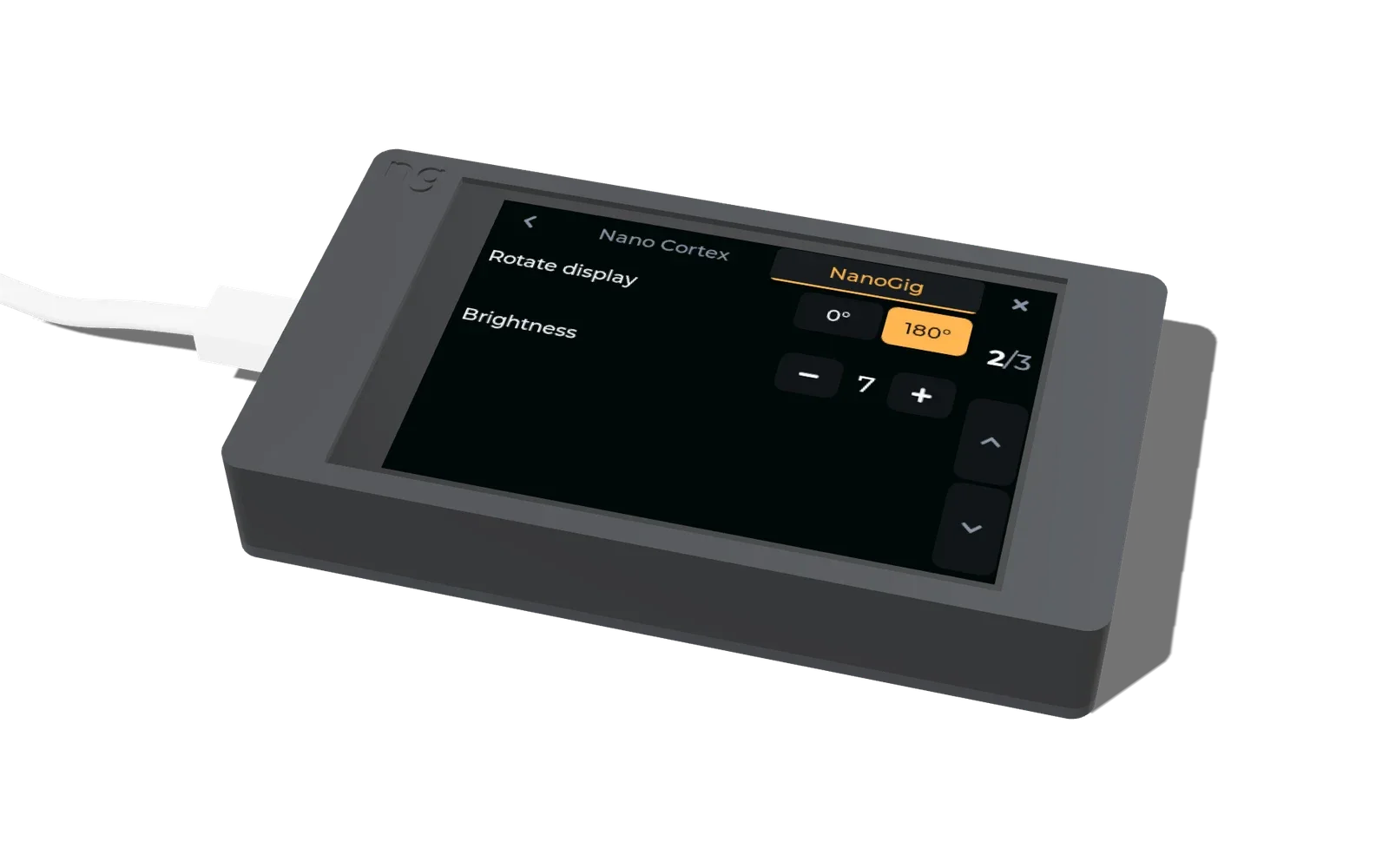
A 3D animation of a pedalboard with NanoGig Screen beside a Nano Cortex. Its captions:
  1. The stage screen your Nano Cortex never had.
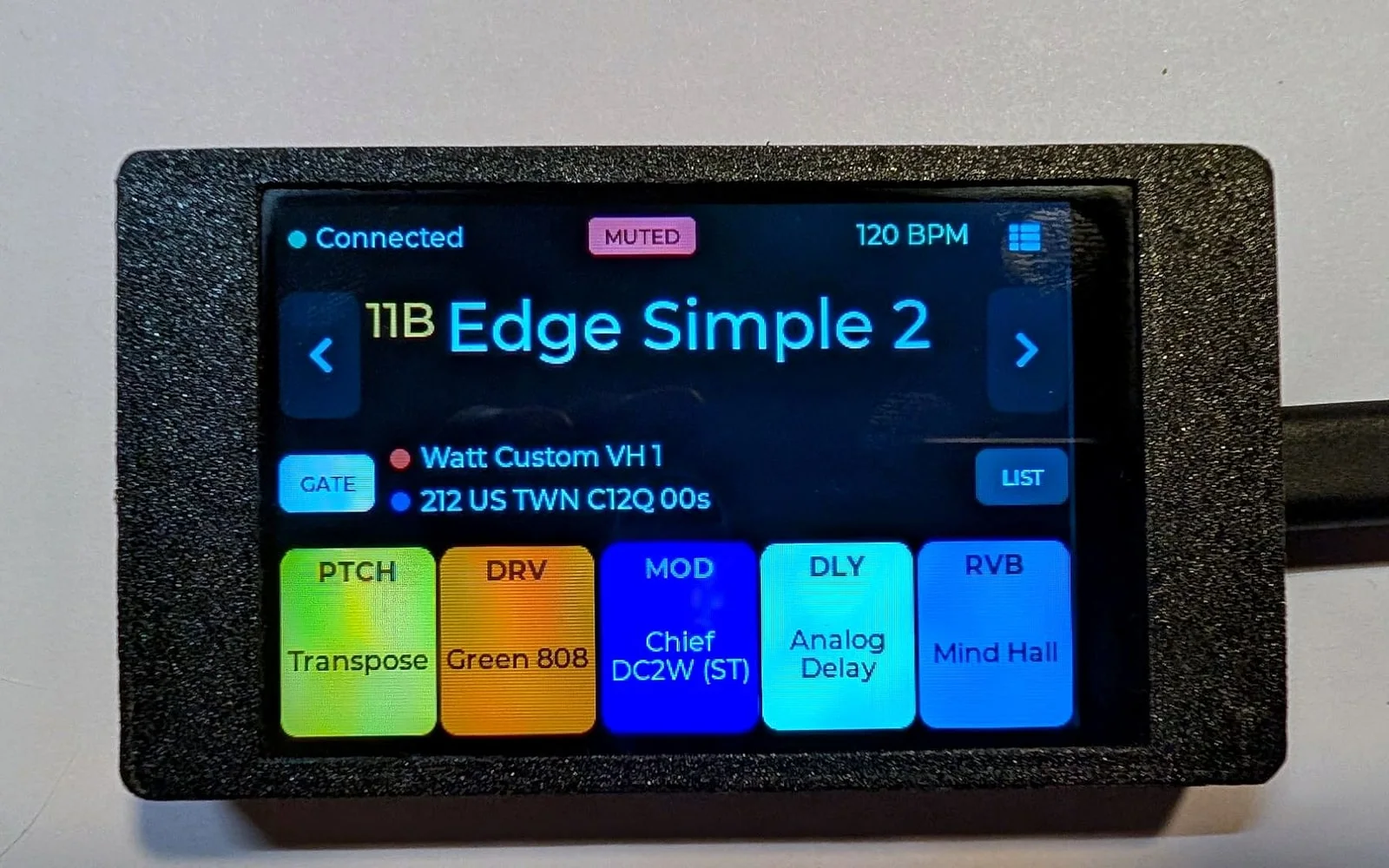
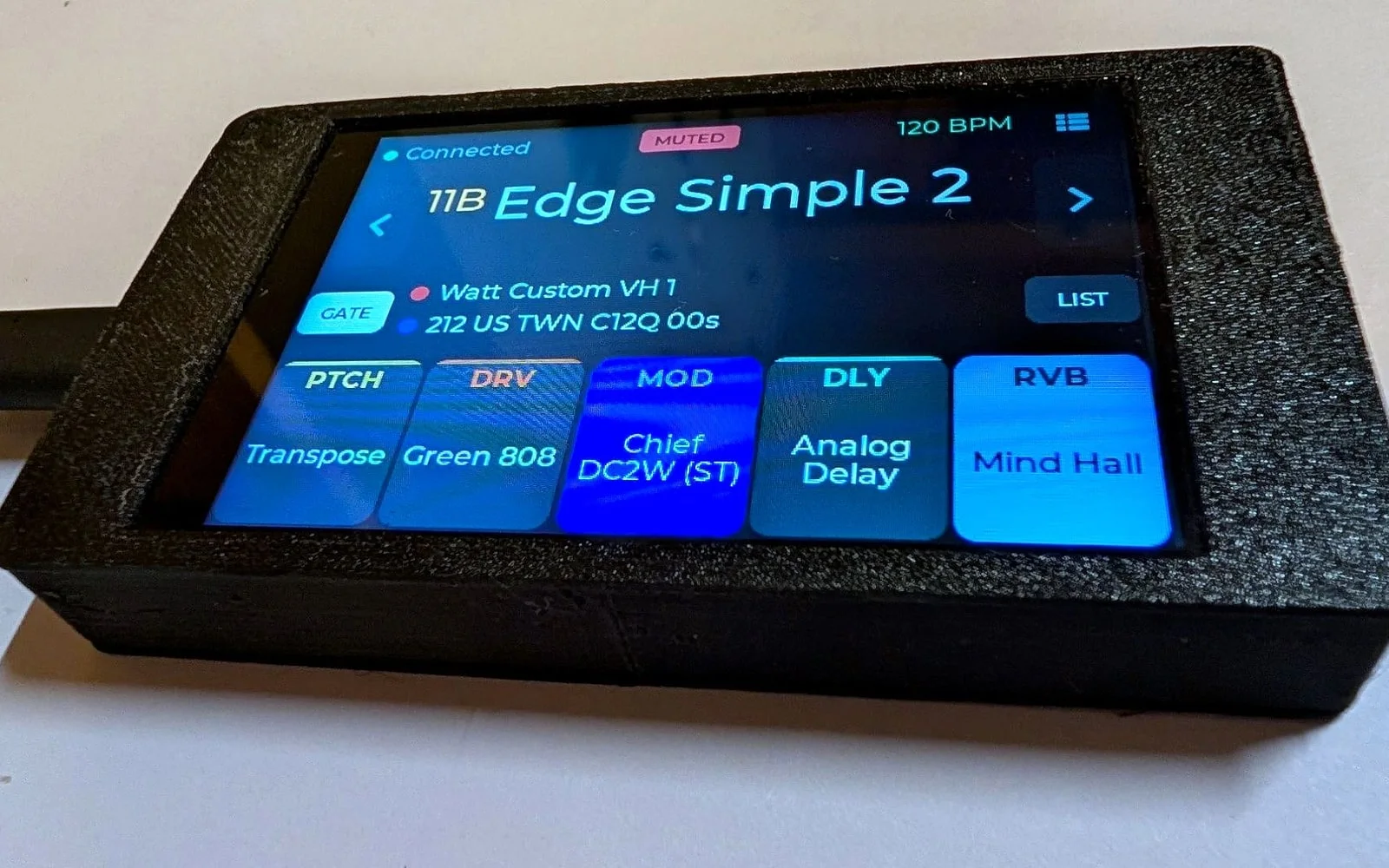
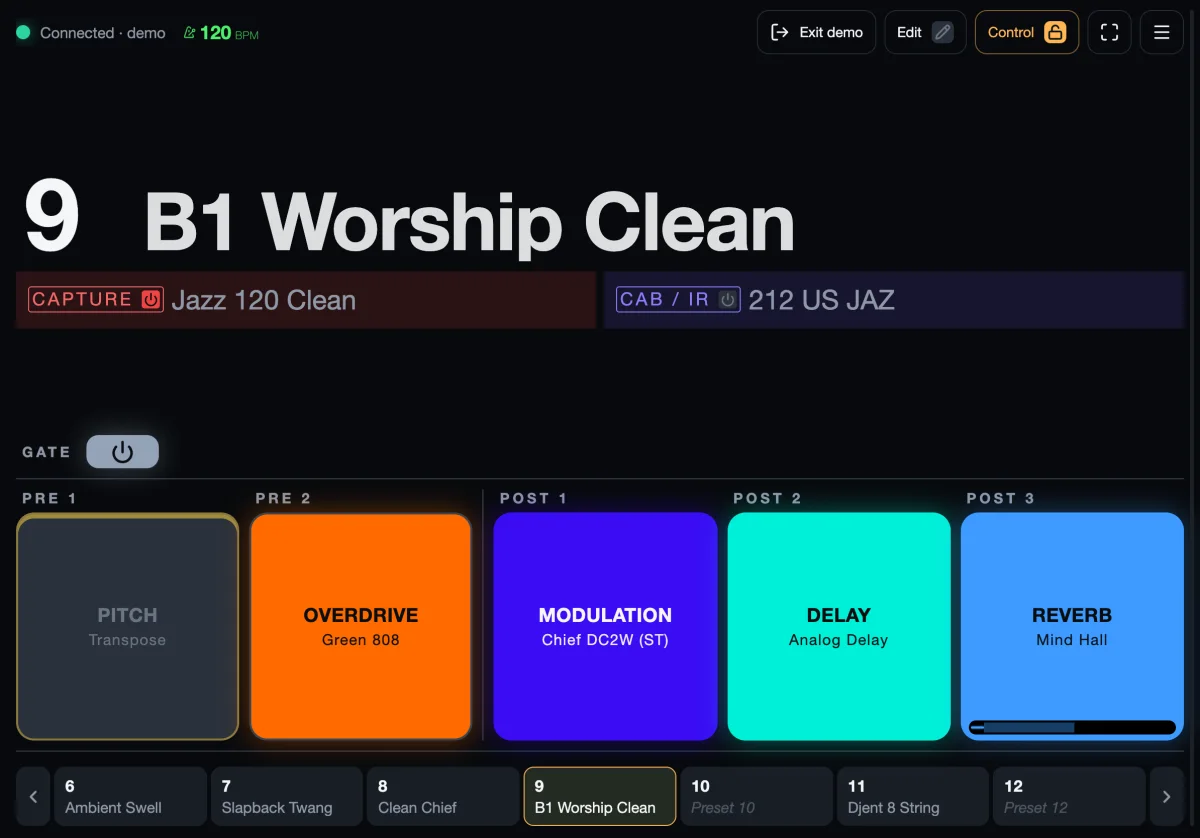
  2. Gig view: preset names you can read from standing height. Every FX block, capture and IR at a glance, colour-coded.
  3. Footswitch: tap for presets, two together for banks. Left pair a bank down, right pair up. Works with Bluetooth MIDI footswitches like the M-VAVE Chocolate.
  4. Two-way sync: turn the pedal, the screen keeps up. Scroll captures on the Nano Cortex and the names follow live.
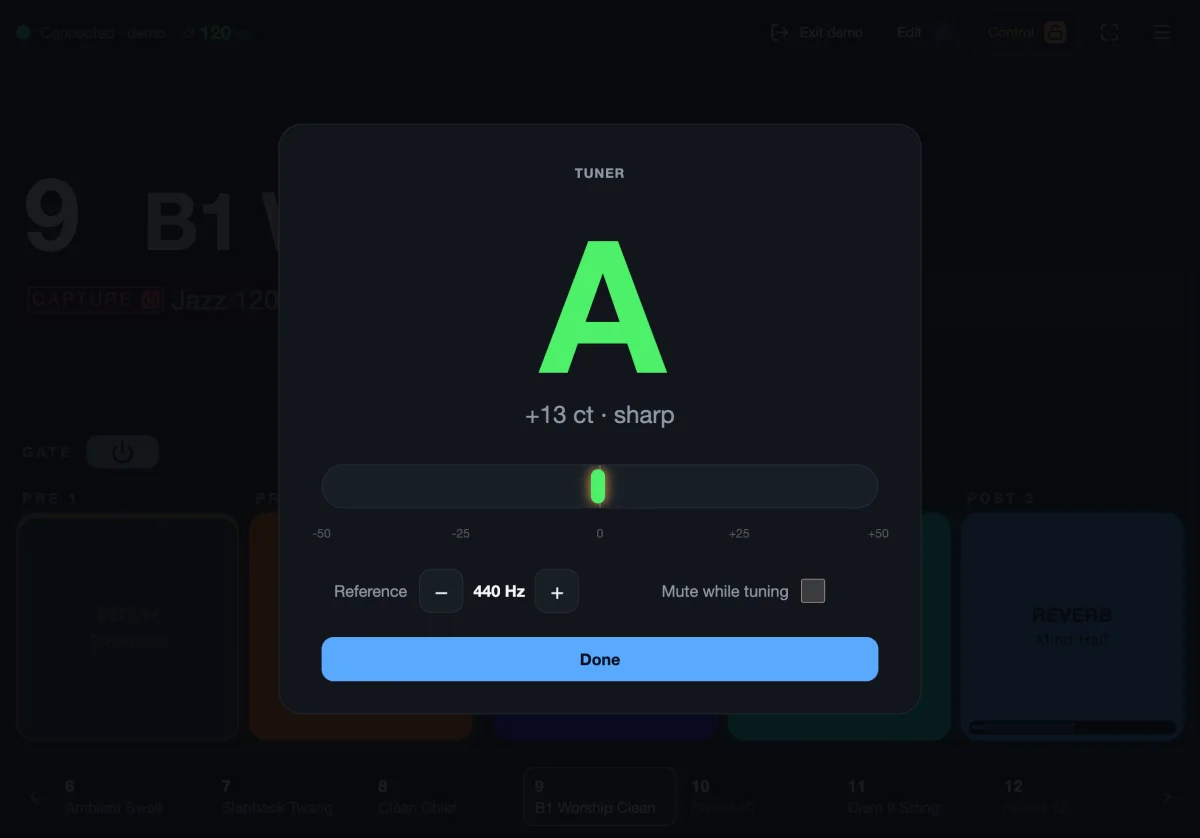
  5. Tuner and tempo: hold footswitch II to tune on the big screen. Tap tempo shows in BPM.
  6. NanoGig, the stage display for Nano Cortex.

Two ways to run it

One gig view. On your phone, or on a screen of its own.

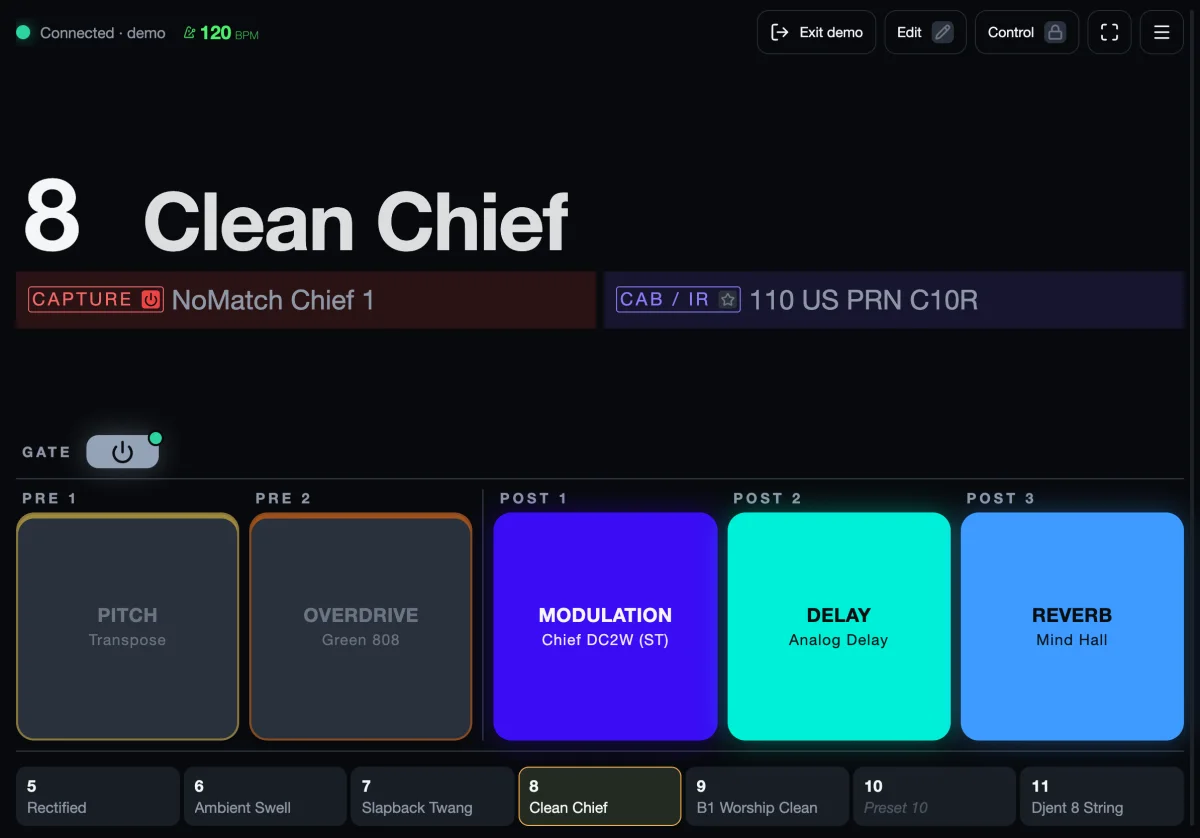
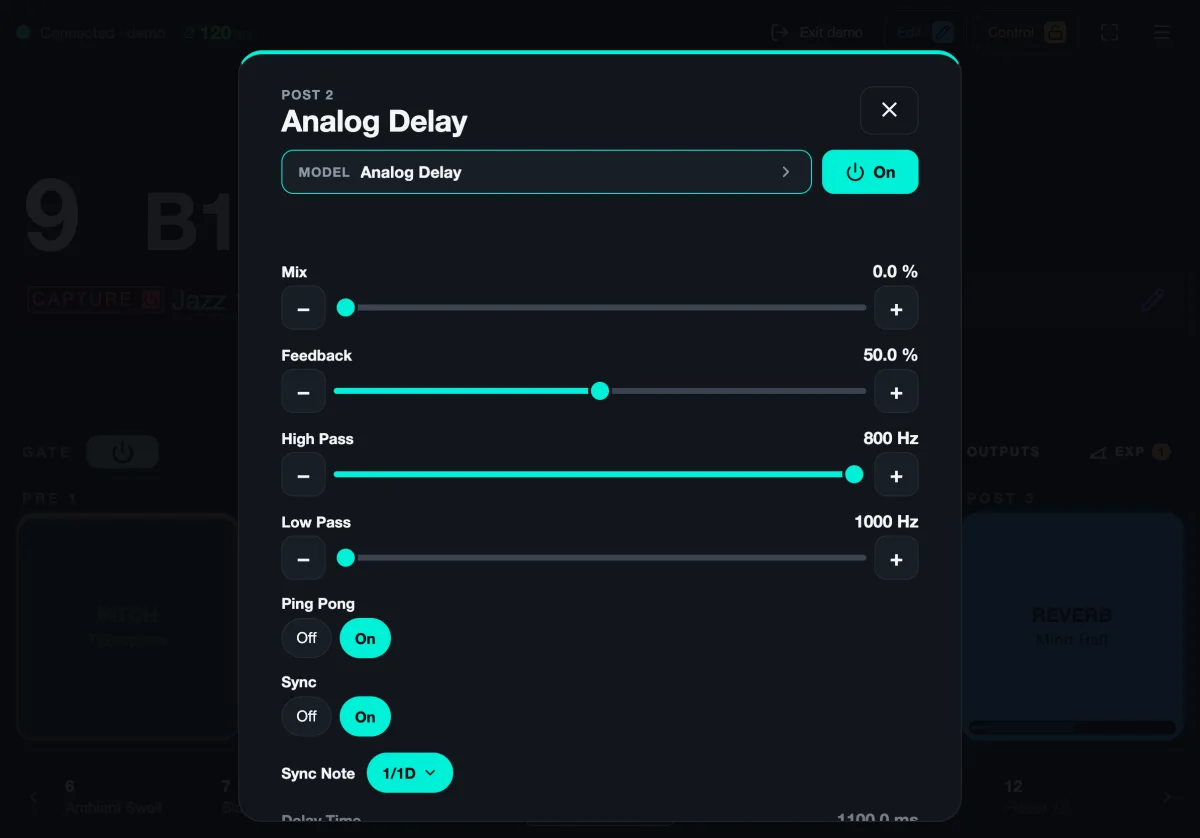
NanoGig shows the preset, capture, IR and every effect block, and follows the pedal live. Use the free web app on a device you already have, or put NanoGig Screen on your pedalboard.

Free

NanoGig Web app

Open a web page on your phone, tablet or laptop, pick the pedal and play. Nothing to install, no account.

Runs on
A phone, tablet or laptop: Chrome or Edge, or Bluefy on iPhone and iPad
Price
Free
Best for
A tablet on a mic stand, rehearsals, editing presets at home
Paid firmware · kits

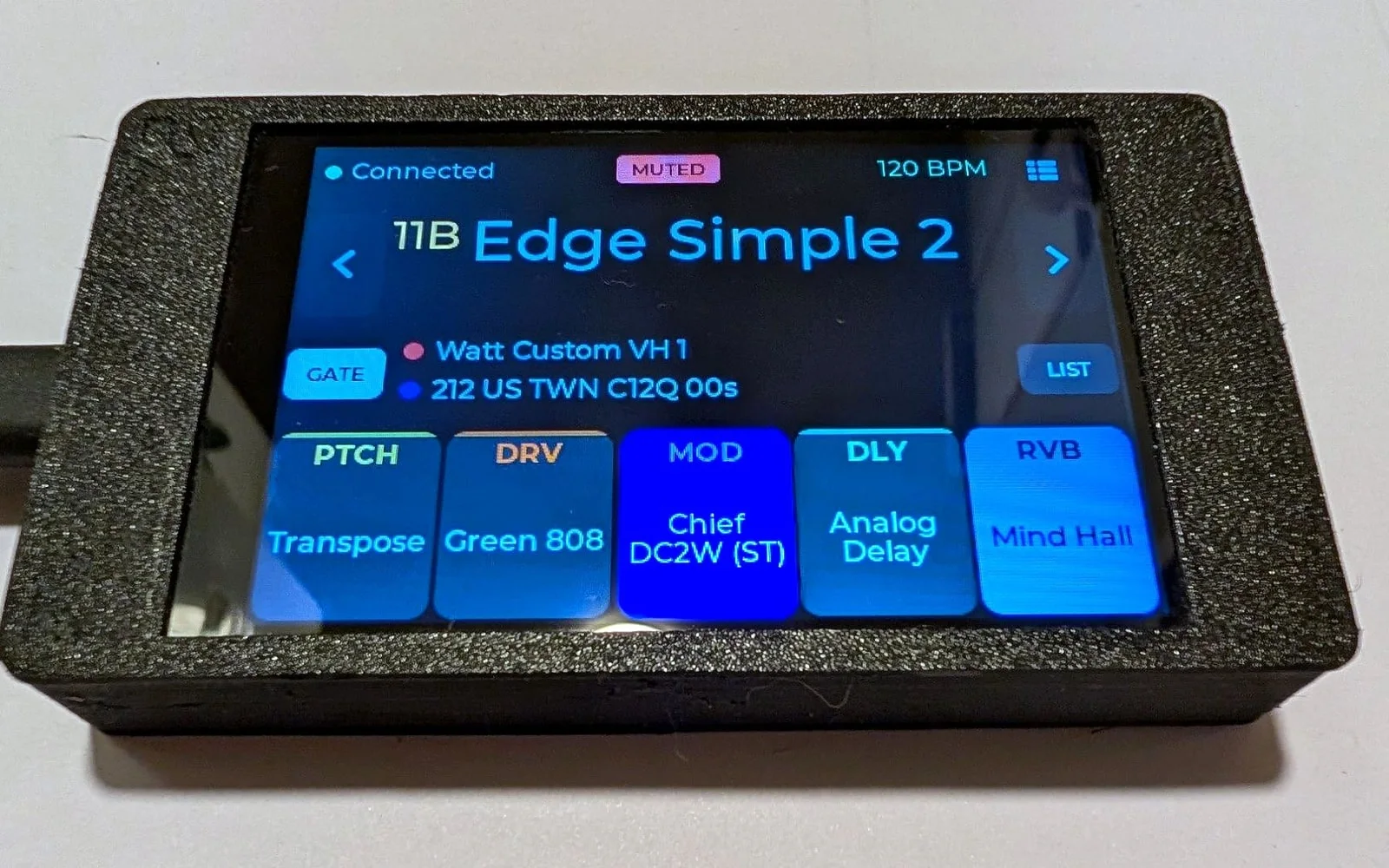
NanoGig Screen Standalone screen

A small USB-powered touchscreen that lives by the pedal. It boots in about a second and connects on its own: no phone on the floor.

Runs on
An inexpensive ESP32 touchscreen: a ready-made kit, or a board of your own
Price
One license per screen, updates over Wi-Fi included
Best for
Gigs: always on, nothing to unlock before a song

How it works

  1. Free the pedal. The Nano Cortex takes one Bluetooth connection at a time, so close Cortex Cloud first.
  2. Connect. Open the web app and pick the pedal, or power NanoGig Screen: it finds the pedal by itself.
  3. Play. Every footswitch press, encoder turn and tap tempo shows up live.

NanoGig is an independent community project. It reads and, only when you allow it, writes the pedal's settings over Bluetooth. Back up your presets in Cortex Cloud before using control or edit mode.

Know your preset, mid-gig.

Free in your browser, or on a screen of its own right by the pedal.